Got yourself a new Intel CPU but realized that something is not running as fast it should in your GNU/Linux machine? This post is what you need!
The problem comes into surface when you decide to fire up all the available CPU processing cores. If you are curious enough and have switched on the running frequencies on the htop (or your favourite resources monitor tool), you would probably see, that your CPU runs pretty much in half speed, even if all cores are running in 100%.
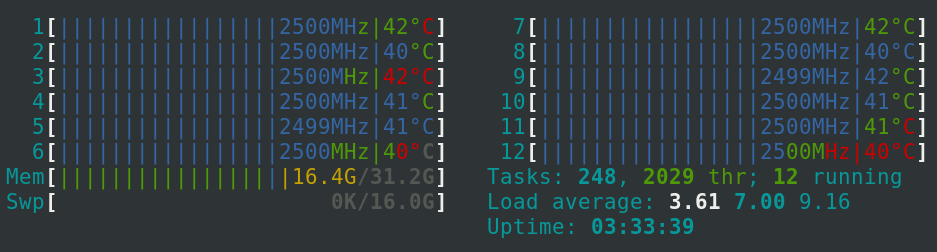
If you have stumbled upon many q&a’s proposing to modprobe or install some packages on top, then you don’t actually need anything but the following simple command.
sudo -i
cat /sys/devices/system/cpu/intel_pstate/no_turbo
> 1 (disabled)
echo "0" | tee /sys/devices/system/cpu/intel_pstate/no_turbo
> 0 (enabled)
This is a double negative one so “1” stands for disabled. You only need to alter the value to “0” and here it is.
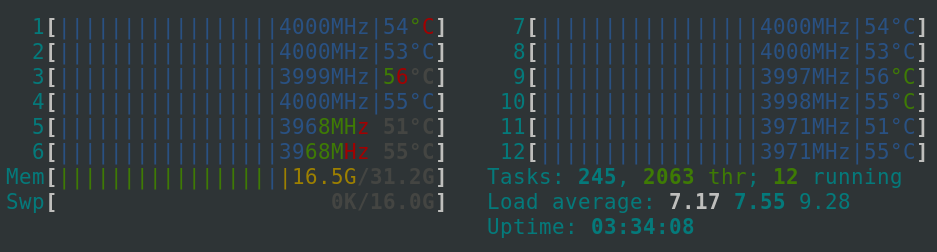
You are running at full speed! 🚀